

Portfolio - Components
Component: Image Reveal
Features:
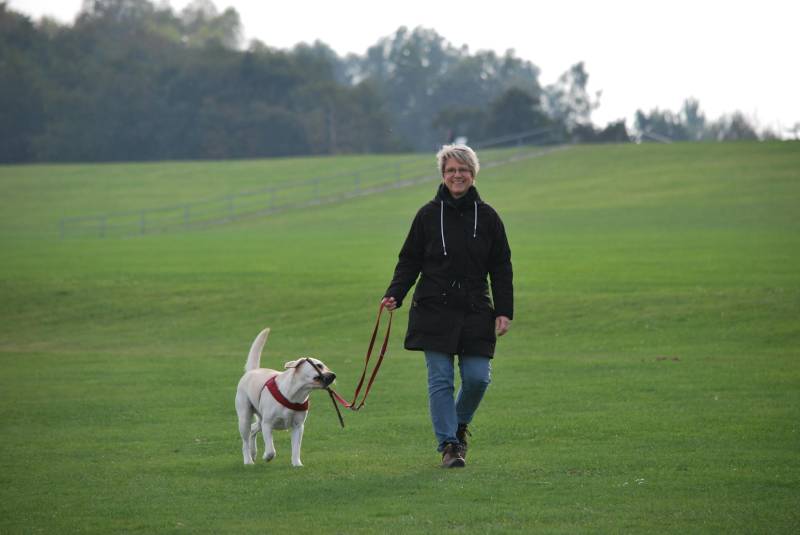
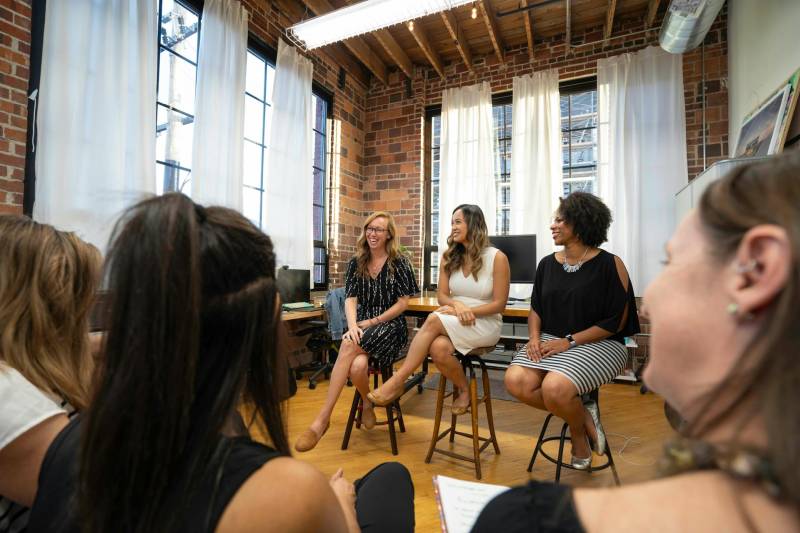
- show 2 images to capture attention
- 2 layouts
- description
Notes:
- add class to image for mobile
- use list key for conditionals. Compare using
paragraph.field_
Watch Short Video
Image Reveal
About Image
Lorem ipsum dolor sit amet, consectetur adipiscing elit. Nam ac urna eros. Morbi at lectus aliquam, tincidunt mauris in, ultricies ipsum. Ut eget finibus leo. Nam sollicitudin dictum efficitur. Sed vel lorem quis sem semper egestas. Morbi volutpat eros eget quam dignissim, ac vestibulum quam tempor. Quisque sed varius nibh.
paragraph--image-reveal.html.twig
 {% set img_before = file_url(content.field_image_before['#items'].entity.uri.value) %}

{% set img_after = file_url(content.field_image_after['#items'].entity.uri.value) %}

{% set text = content.field_text %}

{% set align = paragraph.field_image_alignment.value %}
{% block paragraph %}

    {% block content %}
<div class="row align-items-center">

    <div class="col-sm-5">

        <div class="pe-3 pe-sm-5 pb-3 pb-sm-0 border-right-light">

            {{ text }}

        </div>

    </div>

    <div class="col-sm-7 {% if align == "order-first" %}order-first{% endif %}">

        <div data-plugin-before-after data-plugin-options="{'move_slider_on_hover': true, 'move_with_handle_only': true, 'click_to_move': false}">

            <!-- The before image is first -->

            <img class="img-fluid" src="{{ img_before }}" />

            <!-- The after image is last -->

            <img class="img-fluid" src="{{ img_after }}" />

        </div>

    </div>

</div>

    {% endblock %}

{% endblock paragraph %}
field.html.twig
 {% for item in items %}

{{ item.content }}

{% endfor %}